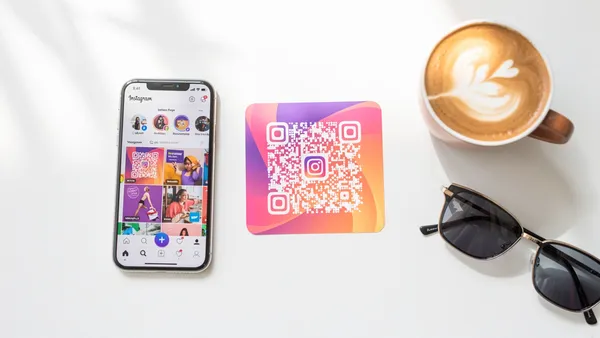
To create an Instagram QR code: copy your profile URL (instagram.com/username), post link, or Reel URL and paste it into Quality QR. Instagram has a built-in Nametag feature, but custom QR codes offer better design flexibility, tracking capabilities, and work with any QR scanner, not just the Instagram app.
Instagram QR Code Options
Instagram's Built-In Nametag
Instagram offers a native QR code feature:
- Open Instagram
- Tap your profile picture
- Tap the three lines (menu)
- Select "QR code"
Pros: Built into Instagram, branded appearance.
Cons: Must be scanned by Instagram camera, limited customization, no analytics, profile only (not posts/Reels).
Custom QR Code (Recommended)
Create a QR code linking to any Instagram URL:
- Copy the Instagram URL you want to link
- Paste into Quality QR
- Customize design and colors
- Download and deploy
Pros: Works with any QR scanner, full customization, analytics tracking, links to posts/Reels/Stories.
Cons: Doesn't have native Instagram branding (but you can add the logo).
What You Can Link To
Your Profile
URL format: https://www.instagram.com/yourhandle
Best for: General promotion, business cards, building followers.
A Specific Post
URL format: https://www.instagram.com/p/[post_id]/
Best for: Product features, announcements, campaign content.
A Reel
URL format: https://www.instagram.com/reel/[reel_id]/
Best for: Viral content, tutorials, entertainment.
Story Highlights
URL format: https://www.instagram.com/stories/highlights/[highlight_id]/
Best for: Evergreen Story content, FAQs, portfolios.
IGTV (if still using)
URL format: https://www.instagram.com/tv/[video_id]/
Best for: Long-form video content.
Use Cases
Retail and Products
- Product tags with "See it styled" Reels
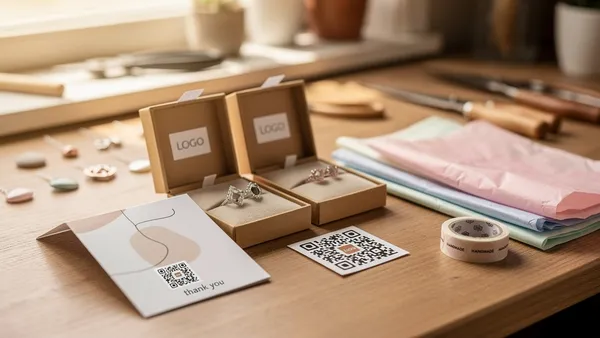
- Packaging inserts with profile QR
- In-store signage for UGC campaigns
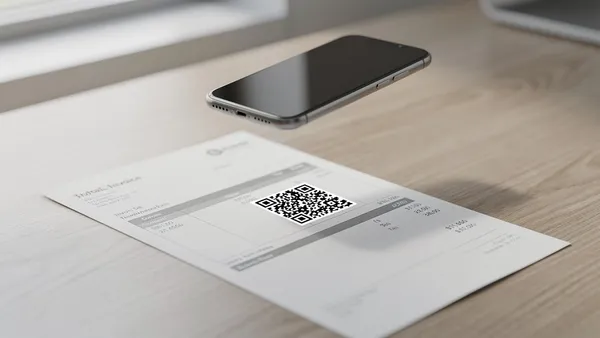
- Receipts with "Tag us for a feature"
Restaurants and Hospitality
- Table tents: "Follow us for specials"
- Menu inserts linking to food Reels
- Event signage for Story tags
Personal Branding
- Business cards with profile QR
- Portfolio books linking to highlights
- Speaking materials with Reel QR
Events
- Booth displays with profile QR
- Event programs for Story coverage
- Swag items with follow link
Design Tips
Match Instagram's Colors
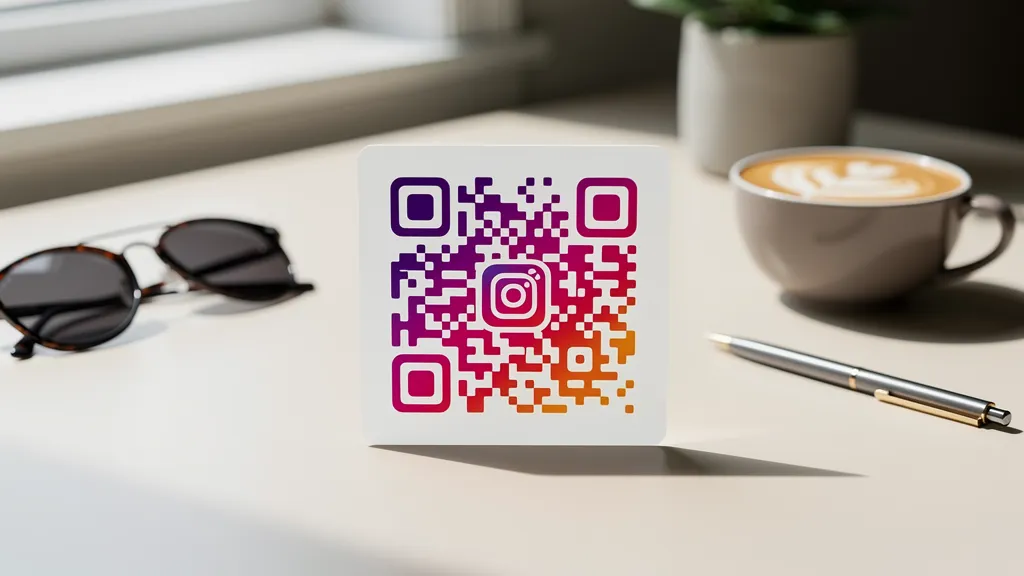
Instagram's gradient colors: purple (#833AB4), pink (#E1306C), orange (#F77737). Using these makes your QR instantly recognizable.
Add the Instagram Logo
Place the Instagram icon in the center of your QR code. Keep it under 30% of the code area to maintain scannability.
Include a CTA
Don't just show a QR code. Tell people what they'll get:
- "Follow for daily tips"
- "Watch the tutorial"
- "See this styled"
- "Tag us for a feature"
Tracking Performance
With Quality QR analytics, track:
- Total scans and unique users
- When people scan (align with posting schedule)
- Which physical placements work best
Combine with Instagram Insights to see the full journey from scan to follow.
Create your Instagram QR code free with Quality QR, with custom design and scan tracking included.