
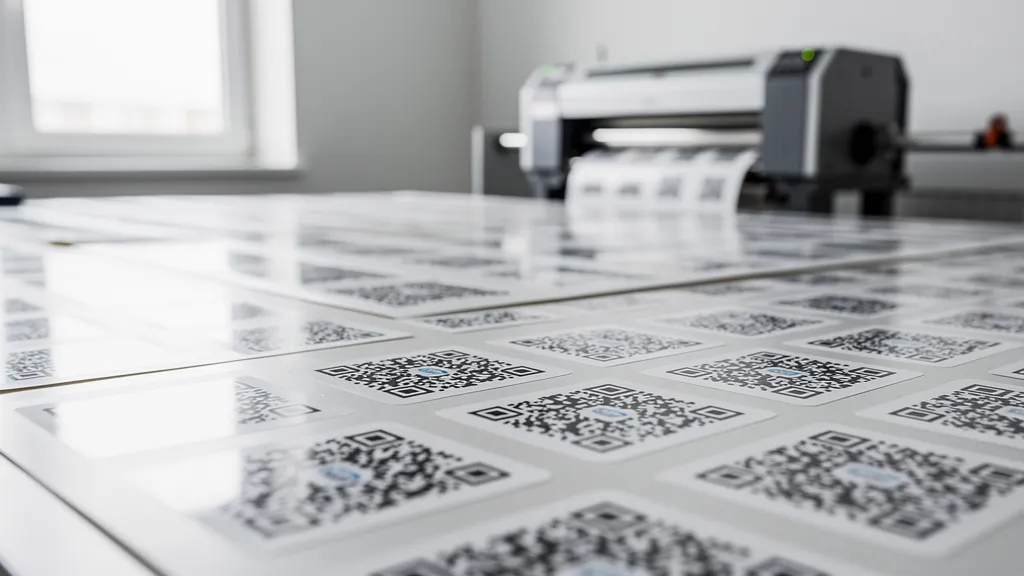
Creating QR codes one at a time works when you need five or ten. But what about 500 product labels, 2,000 event badges, or 10,000 inventory tags? A bulk QR code generator lets you create hundreds or thousands of QR codes in minutes—each with a unique destination.
Why You Need Bulk QR Code Generation
Manual QR code creation doesn't scale. If each code takes 30 seconds to generate and download, 500 codes means over 4 hours of repetitive clicking. Bulk generation reduces that to minutes, and with dynamic QR codes, you can track and update every single one.
Common scenarios where bulk generation is essential:
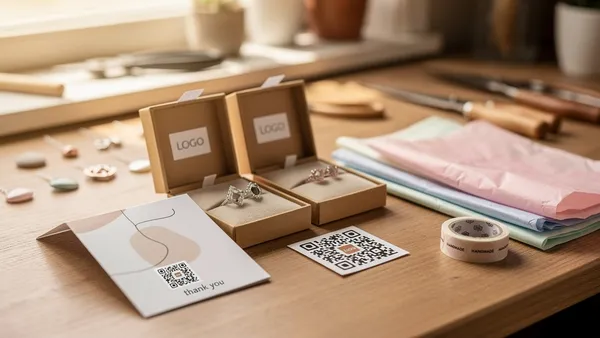
- Retail & packaging: Unique product codes for thousands of SKUs
- Events: Individual QR codes for each attendee badge or ticket
- Warehousing: Inventory tracking codes for every shelf, bin, or pallet
- Real estate: Property listing codes for hundreds of listings
- Education: Student-specific codes for assignments or resources
Manual vs. Bulk: A Quick Comparison
| Feature | Manual (one-by-one) | Bulk generation |
|---|---|---|
| Time for 500 codes | 4+ hours | 5–10 minutes |
| Error risk | High (copy-paste mistakes) | Low (automated) |
| Consistency | Varies | Uniform design |
| Tracking | Setup per code | Automatic for all |
| Cost efficiency | Poor | Excellent |
Step-by-Step: Bulk QR Code Generation
Method 1: CSV Upload
The most common approach for non-technical users. Prepare a spreadsheet with your URLs and upload it directly.
- Prepare your CSV file — Create a spreadsheet with columns for the destination URL and an optional label. Save as CSV.
- Upload to your QR generator — In Quality QR's bulk generator, upload your CSV file. The system validates each URL.
- Configure settings — Choose QR code type (dynamic recommended for tracking), set design options, and select output format.
- Generate and download — Click generate. Your codes download as a ZIP file with each QR code named by its label or row number.
Method 2: API Automation
For developers and teams needing programmatic generation, the Quality QR API supports batch creation. Send a single request with multiple URLs, or loop through your data and generate codes programmatically.
POST /api/v1/qr-codes/batch
{
  "codes": [
    { "url": "https://example.com/product/1", "label": "SKU-001" },
    { "url": "https://example.com/product/2", "label": "SKU-002" }
  ],
  "type": "dynamic",
  "format": "png"
}
Method 3: Dashboard Batch Creation
Quality QR's dashboard supports creating multiple QR codes in sequence with shared design settings. Less automated than CSV or API but useful for smaller batches of 10–50 codes where you want to review each one.
Real-World Use Cases
Retail Product Labels
A clothing brand generates 3,000 unique QR codes monthly—one per product—linking to care instructions, styling suggestions, and authenticity verification. Using dynamic QR codes, they update seasonal content without reprinting labels.
Event Badge Personalization
Conference organizers create individual QR codes for 1,500 attendees, encoding each person's vCard. Networking becomes effortless: scan a badge, save the contact. The organizer tracks engagement through scan analytics.
Warehouse Inventory
A logistics company places unique QR codes on every warehouse shelf location. Workers scan to check current inventory, log movements, and flag discrepancies—all linked to their WMS through the API.
Best Practices for Bulk QR Codes
- Always use dynamic codes — Mistakes in URLs, updated campaigns, or changed content can be fixed without regenerating and reprinting.
- Use descriptive labels — Name your codes logically (SKU-001, Event-Badge-JSmith) so you can manage them later.
- Test a sample first — Before generating thousands, create 5–10 and test scanning on multiple devices.
- Choose the right format — PNG for digital use, SVG for print. Set resolution high enough for your print size (see our size guide).
- Plan your tracking — With dynamic codes, you get scan analytics for every code. Decide what metrics matter before generating.
Pricing for Bulk Generation
Bulk QR code costs vary widely between providers. Some charge per code, others by plan tier. Quality QR's Pro plan includes up to 10 dynamic QR codes and 30 static codes. The Business plan supports 100 dynamic codes with unlimited static codes, bulk creation tools, team features, and higher API limits.
Ready to generate QR codes in bulk? Start with a free account or explore the API documentation for programmatic generation.