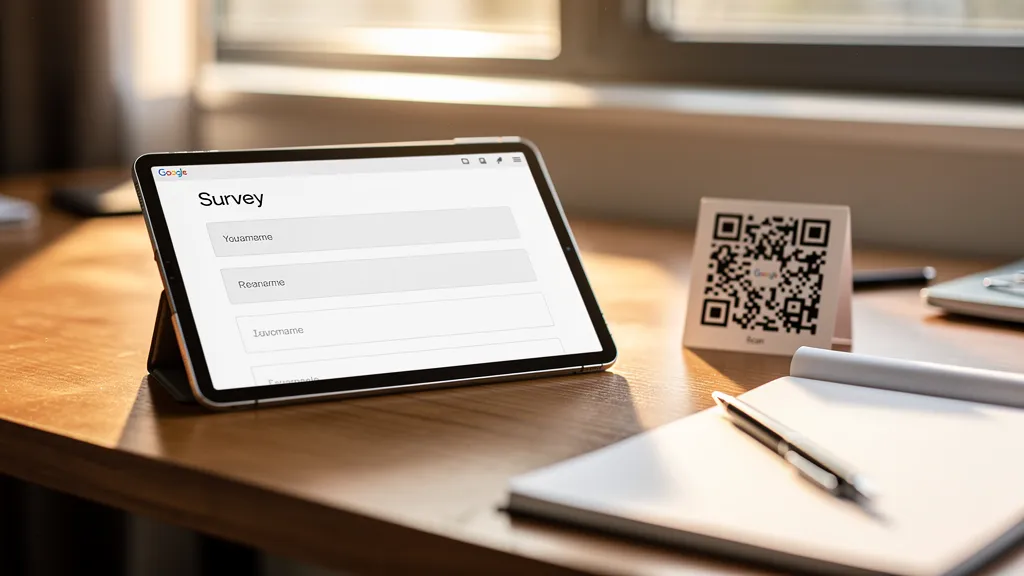
To create a QR code for Google Forms: open your form, click 'Send', copy the form URL, paste it into a QR code generator like Quality QR, customize the design, and download. Use a dynamic QR code if you might need to switch forms later without reprinting.
Why Use QR Codes for Google Forms?
QR codes eliminate the friction of typing long URLs. Place them on printed materials, event signage, or product packaging to make form submission effortless. Common use cases include:
- Customer feedback forms at physical locations
- Event registration and check-in
- Surveys in classrooms or conferences
- Contact forms on business cards
- Product registration on packaging
Step-by-Step Guide
Step 1: Get Your Google Form URL
- Open your Google Form
- Click the 'Send' button in the top right
- Click the link icon
- (Optional) Check 'Shorten URL' for a cleaner link
- Click 'Copy'
Step 2: Generate Your QR Code
- Go to Quality QR's URL QR code generator
- Paste your Google Form URL
- Customize colors and design to match your branding
- Add your logo if desired
- Click 'Generate' to preview
Step 3: Download and Test
- Download your QR code (PNG for digital, SVG for print)
- Test by scanning with your phone
- Verify the form opens correctly
Pro Tips for Better Results
Use Dynamic QR Codes
If you might need to update the form later (changing questions, creating a new version, or switching to a different form), use a dynamic QR code. You can change the destination URL without reprinting.
Pre-fill Form Fields
Google Forms supports pre-filled URLs. Add form field IDs to your URL to pre-populate answers, useful for tracking which QR code location generated each response.
Track Form Performance
With Quality QR's analytics, see how many people scanned your QR code versus how many submitted the form. Low completion rates might indicate form issues.
Common Mistakes to Avoid
- Using edit links instead of viewer links (anyone could modify your form!)
- Making the QR code too small to scan reliably
- Not testing before printing
- Forgetting to set form permissions correctly
Create your Google Form QR code free with Quality QR. It includes scan analytics to track engagement.