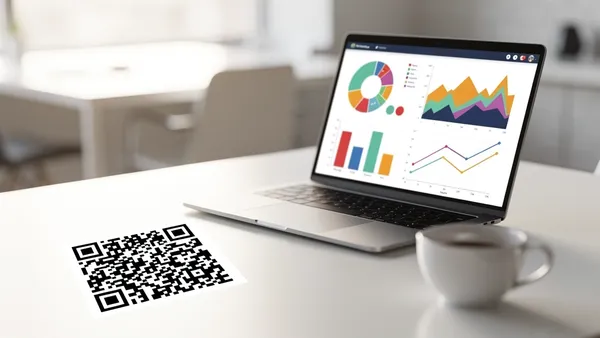
QR code tracking turns a simple scannable code into a measurable marketing channel. With the right setup, every scan tells you who scanned, where, when, and on what device—giving you the data you need to measure ROI and optimize campaigns.
Why Track QR Codes?
Printing a QR code on a flyer without tracking is like running ads without analytics. You're spending money but have no idea what's working. QR code tracking answers critical questions:
- How many people scanned your code?
- Where are scanners located (city, country)?
- What devices are they using?
- What time of day gets the most scans?
- Which physical locations drive the most engagement?
- Is your campaign performing better than last month?
Without tracking, you're guessing. With it, you have data to back every decision.
How QR Code Tracking Works
Tracking requires dynamic QR codes. Here's the mechanism:
- A dynamic QR code encodes a short redirect URL (e.g.,
qr.example.com/abc123) instead of the final destination - When someone scans, their device hits the redirect URL first
- The tracking server logs metadata—IP-based location, device type, timestamp, referrer
- The user is instantly redirected to the final destination URL
- All this happens in milliseconds—the user doesn't notice any delay
Static QR codes encode the final URL directly, so there's no redirect step and no way to capture scan data.
Key Metrics to Track
Total Scans vs. Unique Scans
Total scans counts every scan, including repeat scans from the same person. Unique scans counts individual users. A QR code with 1,000 total scans but only 200 unique scans means people are scanning repeatedly—common for menus or recurring-use codes.
Geographic Data
See which cities and countries your scans come from. This is invaluable for localized campaigns. If you placed QR codes in five cities, you can see which location drives the most engagement and allocate budget accordingly.
Device Breakdown
Know the split between iOS and Android users. This affects your landing page design—if 80% of your scanners use iPhones, prioritize iOS testing and consider iOS-specific features like Apple Wallet passes.
Time-Based Patterns
Track when scans happen—by hour, day, and week. A restaurant QR menu might peak at lunch and dinner. A billboard might peak during rush hour. Use this data to time your campaigns and content updates.
Setting Up QR Code Tracking
Step 1: Create a Dynamic QR Code
In Quality QR's generator, select any QR code type and ensure you choose 'Dynamic' mode. This enables tracking automatically.
Step 2: Deploy Your QR Code
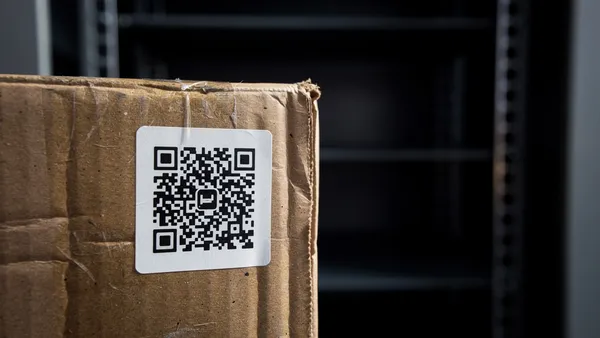
Place your QR code on physical materials (print, packaging, signage) or digital channels (email, social media, presentations). For physical placements, record where each code is placed so you can correlate scan data with locations.
Step 3: Monitor Your Dashboard
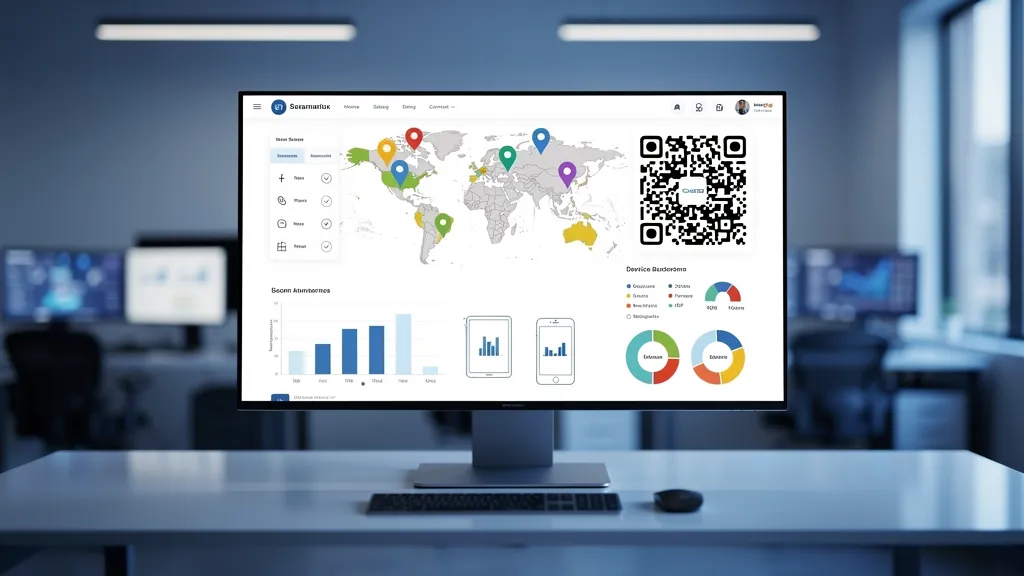
Quality QR's analytics dashboard updates in real time. You'll see scan counts, geographic distribution, device breakdown, and time-based trends. Set up the view that matters most for your use case.
Step 4: Analyze and Optimize
- Use the data to make decisions:
- Low scans? Reposition the code, make it larger, or add a call-to-action frame
- High scans but low conversions? The landing page needs work—not the QR code
- One location outperforming others? Replicate what's working there
Real-World Campaign Tracking Examples
Retail chain with 50 stores: Placed unique QR codes at each store entrance linking to a feedback survey. Tracked which stores generated the most responses, identified underperforming locations, and adjusted in-store signage. Result: 340% increase in survey completions over 3 months.
Event marketing: Used QR codes on conference banners, sponsor booths, and printed schedules. Each placement had a unique code. Post-event analytics showed booth QR codes got 5x more scans than banner codes, informing next year's sponsorship placement strategy.
Advanced Analytics Techniques
UTM Parameters
Append UTM parameters to your destination URLs for deeper tracking in Google Analytics. Combine QR scan data with website behavior data to see the full funnel—from scan to conversion.
A/B Testing
Create two QR codes with different destinations or designs, place them in similar locations, and compare performance. Quality QR's analytics makes it easy to compare scan counts and engagement between variants.
Multi-Channel Attribution
Use unique QR codes per channel (print ad vs. packaging vs. event) to attribute conversions to specific touchpoints. This data feeds into your overall marketing attribution model.
Start tracking your QR code campaigns today—create a free dynamic code with scan analytics on Quality QR.