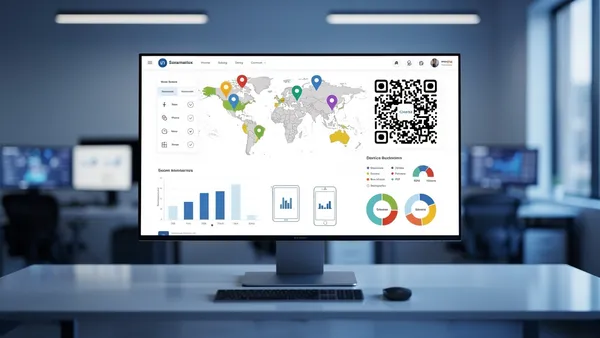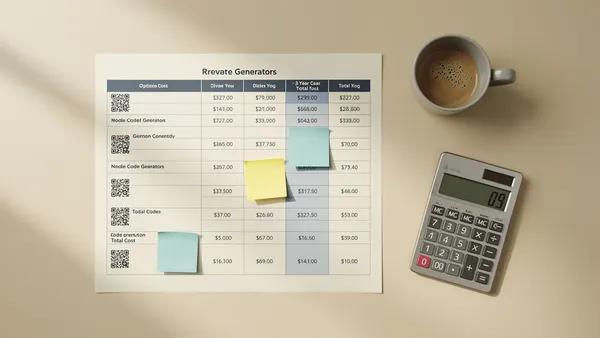
QR code analytics track five key metrics: total scans, unique scans, geographic location, device information, and time patterns. To calculate ROI, use the formula: (Revenue from QR conversions - Campaign costs) / Campaign costs × 100. Connect scans to conversions using unique landing pages, UTM parameters, and dedicated promo codes.
Key Metrics to Track
Total Scans
The most basic metric. How many times was your QR code scanned? This gives you a top-level view of engagement.
Unique Scans
How many different devices scanned your code? This helps you understand reach vs. repeat engagement.
Scan Location
Where are people scanning from? Country, city, and region data helps you understand your audience geography.
Device Information
iOS vs. Android, device models, and browsers. Useful for optimizing your landing page experience.
Time Patterns
When are people scanning? Day of week and time of day patterns can inform your campaign timing.
Setting Up Tracking
- With Quality QR's dynamic QR codes, tracking is automatic. Every scan captures:
- Timestamp
- Approximate location (city/country)
- Device type
- Operating system
- Browser
Calculating ROI
To measure ROI, you need to connect QR scans to business outcomes:
Formula:
ROI = (Revenue from QR conversions - QR campaign costs) / QR campaign costs × 100
Tracking Conversions:
- Use unique landing pages for QR traffic
- Add UTM parameters to your URLs
- Set up goal tracking in Google Analytics
- Use unique promo codes for QR campaigns
Optimization Strategies
A/B Testing
Test different:
- QR code placements
- Call-to-action text
- Landing page designs
- Offers and incentives
Location-Based Optimization
If certain locations perform better, focus your QR placement there. Consider location-specific offers.
Timing Optimization
If scans peak at certain times, consider time-sensitive offers that coincide with high-engagement periods.
Start tracking your QR codes today with Quality QR's built-in analytics dashboard.