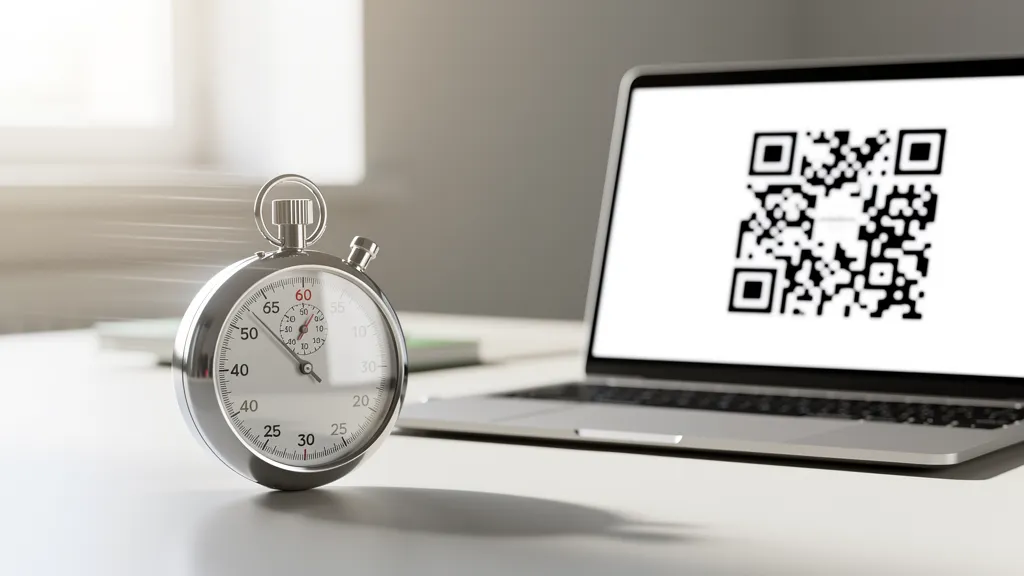
Creating a QR code takes 4 steps: (1) Go to Quality QR's generator, (2) Paste your URL or enter your content, (3) Customize colors if desired, (4) Download your QR code. That's it: you'll have a working QR code in under 60 seconds.
Step 1: Open the Generator (5 seconds)
Go to Quality QR's QR code generator. No account needed for basic codes.
Step 2: Enter Your Content (15 seconds)
For a URL QR code, simply paste your link. The generator also supports:
- Plain text
- WiFi credentials
- vCard (contact info)
- Phone number
- And more
Step 3: Customize (Optional) (20 seconds)
Want to match your brand? Quick customization options:
- Change foreground color (the dots)
- Change background color
- Add your logo (Pro and Business plans)
- Select a pattern style (Pro and Business plans)
Skip this step if you just want a basic black-and-white code.
Step 4: Download (10 seconds)
Click download and choose your format:
- PNG: Best for digital use (websites, social media)
- SVG: Best for print (scales to any size without blur)
Done! Now Test It
Open your phone's camera, point it at the QR code, and tap the notification. Make sure it goes where you expect.
Common Beginner Mistakes
Mistake 1: Not Testing Before Printing
Always scan your QR code before printing 1,000 flyers. Typos happen.
Mistake 2: Making It Too Small
QR codes need to be at least 0.8 inches (2 cm) for reliable scanning. When in doubt, go bigger.
Mistake 3: Using Low Contrast Colors
Light gray on white won't scan. Use dark colors on light backgrounds for best results.
Mistake 4: Forgetting the Quiet Zone
Leave white space around your QR code. Don't let other design elements touch the edges.
Mistake 5: Using Static When You Need Dynamic
If there's any chance you'll need to change the destination URL, use a dynamic QR code. Static codes can't be edited after creation.
When to Use Dynamic vs Static
Use static codes when:
- The content will never change (WiFi password, permanent info)
- You don't need tracking
- Offline use is required
Use dynamic codes when:
- You might need to update the destination
- You want scan analytics
- You're running marketing campaigns
That's It!
You now know how to create a QR code. The whole process takes less than a minute once you know what you're doing.
Create your first QR code free at Quality QR. No account is required for static codes.