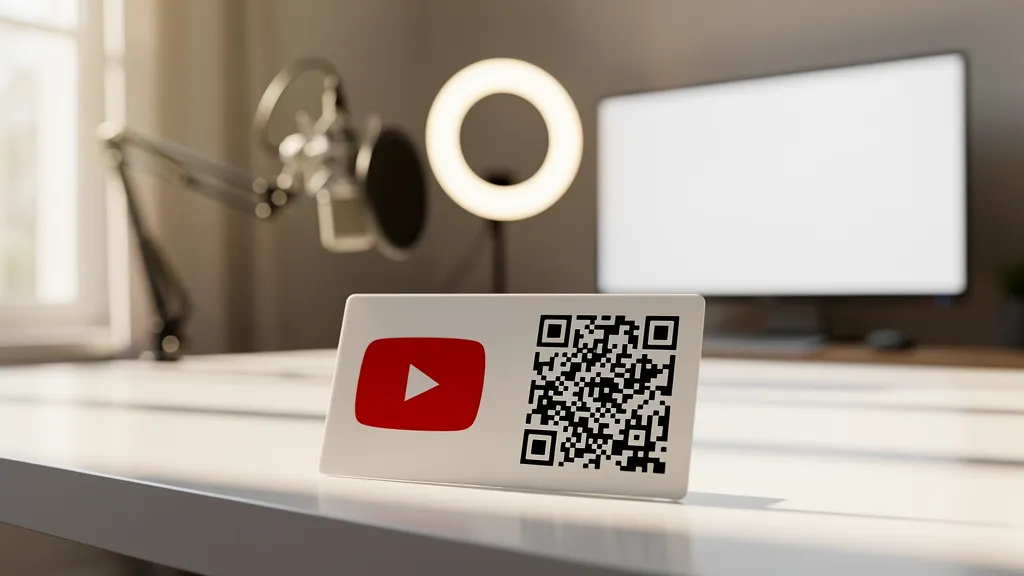
To create a QR code for YouTube: copy your channel URL, video link, or playlist URL and paste it into a QR code generator like Quality QR. For subscriptions, use the subscribe URL format (youtube.com/channel/[ID]?sub_confirmation=1). Dynamic QR codes let you change the linked video without reprinting.
What You Can Link To
Your YouTube Channel
URL format: https://www.youtube.com/@yourhandle or https://www.youtube.com/channel/[channel_id]
Best for: General promotion, business cards, building subscribers.
Subscribe with Confirmation
URL format: https://www.youtube.com/channel/[channel_id]?sub_confirmation=1
This opens the channel with a subscribe popup, making it easier for viewers to subscribe.
Best for: Maximizing subscriber conversion from print materials.
A Specific Video
URL format: https://www.youtube.com/watch?v=[video_id]
Best for: Product demos, tutorials referenced in manuals, promotional videos.
A Playlist
URL format: https://www.youtube.com/playlist?list=[playlist_id]
Best for: Tutorial series, product guides, curated content collections.
YouTube Shorts
URL format: https://www.youtube.com/shorts/[video_id]
Best for: Quick tips, viral content, younger audience targeting.
Use Cases for YouTube QR Codes
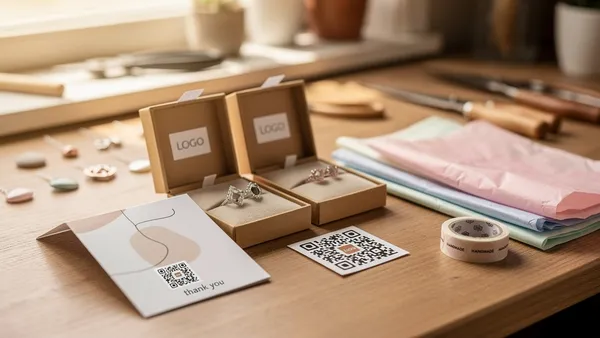
Product Packaging
Include a QR code linking to setup videos, tutorials, or product demonstrations. Reduces support calls and improves customer experience.
Example: "Scan for assembly video" on furniture packaging.
Print Advertisements
Magazine ads, flyers, and posters can't play video, but a QR code bridges that gap.
Example: "Watch the full story" linking to a brand video.
Business Cards
YouTubers and video-focused businesses can link their channel or portfolio reel.
Example: Videographer's card with a QR code to their demo reel.
In-Store Displays
Retail locations can show product videos, customer testimonials, or brand content.
Example: "See it in action" QR codes on product displays.
Educational Materials
Textbooks, worksheets, and handouts can link to supplementary video content.
Example: "Watch the experiment" QR codes in science workbooks.
Event Materials
Conference materials, booth displays, and promotional items can link to presentations or company videos.
Example: Trade show booth with QR code to product demo videos.
Pro Tips
Use Dynamic QR Codes
With dynamic QR codes, you can change which video the code links to without reprinting. Great for:
- Featuring your latest video on ongoing materials
- A/B testing different videos
- Seasonal content swaps
Track Your Performance
Quality QR analytics show you how many scans your code gets. Combine with YouTube analytics to track:
- Scan-to-view conversion
- Where your offline traffic comes from
- Which placements drive the most views
Design for Recognition
Use YouTube's brand colors (red #FF0000, white, black) and add the YouTube logo to your QR code for instant recognition.
Include a Clear CTA
Don't just place a QR code. Tell people what they'll get:
- "Watch the tutorial"
- "See it in action"
- "Subscribe for weekly tips"
Timestamp Links
You can link to a specific timestamp in a video:
Format: https://www.youtube.com/watch?v=[video_id]&t=120s (starts at 2:00)
Great for long videos where you want to highlight a specific section.
Create your YouTube QR code free with Quality QR, then track scans and update videos anytime.