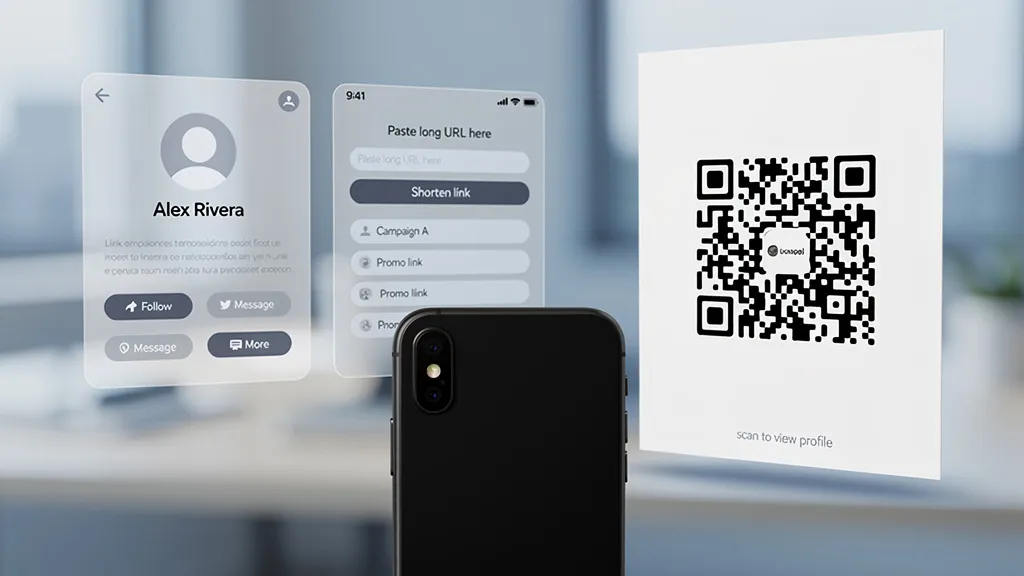
The short version: Linktree was built for bio pages. Bitly was built for shortening links. Both added QR as a feature later. For a quick throwaway share, that is fine. For anything you are about to print, brand, or track seriously, you are paying a tool to optimize for somebody else's problem.
The 'I will just use Linktree' answer shows up in every QR thread on Reddit. So does 'Bitly already does this for me.' Both answers are partly right. If you already pay for one of these tools, they will hand you a QR and you can move on. The question is what happens next.
This post is not about trashing either tool. Linktree is a very good bio page. Bitly is a solid enterprise link shortener. Neither is a QR code platform, and the gap shows up in specific, predictable places.
What 'QR-first' actually means
A QR-first tool is designed around the physical scan. That shows up in things that are easy to miss until you need them:
- Every QR has its own analytics surface, not the same one as your links or your bio page
- Scan dashboards include device model, operating system version, and time-of-day patterns by location
- Short redirect domains are short on purpose, because a shorter URL makes a smaller, more scannable code
- Exports include SVG and high-resolution PNG, because print vendors ask for those, not a screenshot of a dashboard preview
- Design tools assume a logo, a frame, and a color combination that still scans at 2cm
- Dynamic codes come with a plan for when you change destinations, not a surprise
A link-first tool ships some of these. It rarely ships all of them. Bolt-ons cover the common case.
Where Linktree's QR breaks down
Linktree hands you a QR that points at your Linktree page. That is a reasonable starting point for creators and small businesses who treat the bio page as their home. It stops being reasonable the moment your scan needs to land somewhere specific.
What you cannot do with Linktree's QR:
- Point the code at a non-Linktree URL without upgrading (the QR is designed to drive traffic to your Linktree page, not away from it)
- See per-QR analytics separated from your bio page clicks
- Design the code with brand colors and a logo that scans reliably (the design options are intentionally minimal)
- Get an SVG export for a print vendor who needs vector art
- Run more than a couple of distinct QR codes tied to different campaigns without it becoming awkward
If your use case is 'people at a show scan to see all my links', Linktree is the right call. If it is 'one QR on the product label goes to a registration page, a second on the packaging goes to an instruction video, a third on the trade show booth goes to a demo signup', Linktree's model gets in the way fast.
Where Bitly's QR breaks down
Bitly is the opposite problem. It is a serious tool built for link management at scale. Its QR product is the smaller sibling.
What you notice using Bitly for QR:
- The pricing assumes you are there for links. The cheapest paid plan with meaningful QR features costs more than a QR-first tool's Pro plan, and a lot of that spend pays for link features you may not need.
- Analytics are link-centric. You can see scans, but the dashboard story is 'links and clicks' with QR as a filter. That is fine until you want to compare scan behavior across physical placements and the link view is fighting you.
- Customization is limited. You can color the code, add your logo, and pick a frame. You will not find the dot styles, corner variations, and error correction controls that a QR-first tool ships.
- Short domain strategy is link-first. If you want a QR-specific short domain, it is a custom domain feature stacked on top of everything else you are paying for.
None of this makes Bitly bad. It makes it a link tool that also does QR.
A side by side
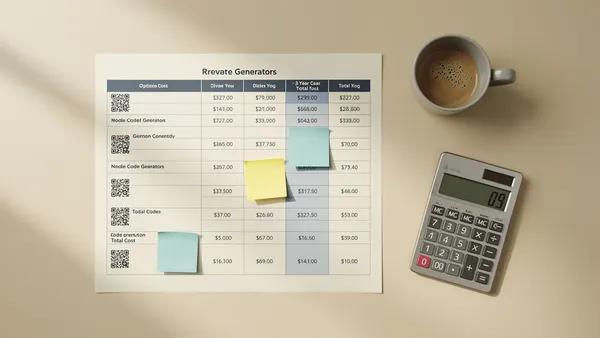
| Capability | Linktree | Bitly | QR-first tool |
|---|---|---|---|
| Primary job | Bio page | Link shortening | Physical scan |
| Per-QR analytics | Limited | Link-filtered | Native |
| SVG export | No | All tiers | Usually included |
| Design control (dots, corners) | Minimal | Minimal | Full |
| Custom short domain for QR | No | Yes (extra cost) | Yes (often included at Business) |
| Dynamic redirect editing | Limited | Yes | Yes |
| Free tier with dynamic QR | No | No | Yes on several tools |
When Linktree or Bitly is actually fine
Being honest here is important. You do not always need a QR platform.
- One-off QR for a slide deck, a digital share, or a throwaway test: Linktree or Bitly or a free static generator is completely fine
- You already pay for Bitly Enterprise and QR is bundled: the switching cost is real, the bundled QR is passable
- Your entire link strategy is the bio page, and every QR code goes there: Linktree is the right tool
- You need a QR in the next five minutes and will never look at the analytics: any tool with an export button
The case for moving starts when you are printing at scale, running multiple distinct campaigns, needing design control for brand reasons, or caring about 'how many scans did we get in Berlin vs Munich on weekday lunch hours'.
What you lose with a bolt-on approach
Analytics that answer the real question. A QR campaign's hard questions are usually about location, device, and timing. A link tool can show you scans. A QR tool can show you that the Berlin signage outperforms the Munich signage by 40% on weekday lunches. Those are different questions.
Print-ready output. Printers ask for SVG or high-resolution PNG at final size. A bolt-on tool might hand you a 512x512 PNG and call it a day. That works for digital. It does not work for a 2x2 meter trade show banner.
Codes that scan when they are small. QR-first tools care about error correction, dot patterns, and contrast because those decide whether a code reads at 3cm on a business card or from four meters away on a billboard. Bolt-on tools ship defaults and hope.
Edit without reprint. A dynamic code is only as good as its redirect. A QR-first tool treats that redirect as a product. A link-first tool treats it as an extension of the short link. The difference shows up in scheduling changes, A/B testing destinations, and guarding against a destination going down.
The pick-your-tool checklist
Before you print anything, run through this list. The answers will tell you which tool fits.
- Will this QR go on physical materials you cannot cheaply reprint?
- Will you run more than three distinct QR campaigns?
- Do you need location, device, or time-of-day analytics?
- Do you need an SVG or vector export?
- Do you need brand-compliant design control on the code itself?
- Will you need to change the destination after printing?
- Do you need to answer to a client or stakeholder with a scan report?
Three or more yeses and you are better served by a QR-first tool. One or two, and your link tool's QR feature is probably fine.
The honest recommendation
If you already pay for Linktree or Bitly and your QR use is occasional and digital, stay there. The switching cost is not worth it.
If you are about to commit QR codes to print, to a brand system, or to a campaign that will report to someone, test your worst QR scenario against your current tool before you commit. If it fails, you know. If it passes, you have saved yourself a migration.
Quality QR is QR-first. It started from the physical scan and worked backward. The free tier includes basic scan analytics, SVG exports, and one dynamic code that never expires, which is enough to test whether QR-first tooling actually makes a difference for your use case.
Start free at Quality QR. No credit card, one email, your codes never expire.