Restaurant QR code menus reduce printing costs by up to 90%, enable instant menu updates for pricing and availability changes, and provide analytics on which dishes customers view most. To implement: create a mobile-optimized digital menu, generate a dynamic QR code, place it on table tents or stickers, and train staff to assist customers who prefer traditional service.
Why Restaurants Are Switching to QR Menus
Cost savings are significant—printing menus is expensive, especially when you need to update prices frequently. A single QR code can replace hundreds of printed menus, with instant and free updates.
Hygiene benefits are clear: digital menus eliminate shared physical menus, reducing touch points—a consideration that remains important to many diners.
Real-time updates mean you can mark dishes as sold out in seconds, or add daily specials immediately. With dynamic QR codes, your menu is always current.
Analytics help you track which menu items get the most views, identify peak scanning times, and understand how customers interact with your offerings.
Setting Up Your QR Menu System
Step 1: Create Your Digital Menu
- Your digital menu can be as simple as a PDF or as sophisticated as an interactive web page:
- PDF menu (simple, works offline)
- Web page menu (easy to update)
- Full ordering system (integrates with POS)
Step 2: Generate Your QR Codes
Create a dynamic QR code that links to your menu. This allows you to update the menu without changing the QR code.
Step 3: Design and Print
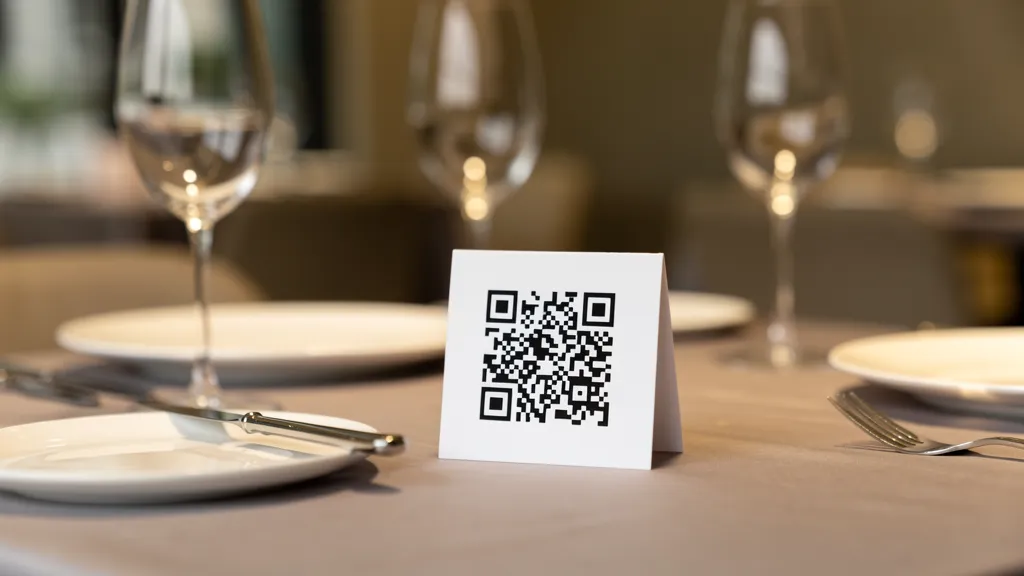
Design table tents, stickers, or stands with your QR code. Include brief instructions for customers unfamiliar with QR codes.
Step 4: Train Your Staff
Ensure staff can help customers who have trouble scanning or prefer traditional service.
Best Practices for Restaurant QR Codes
Placement: Table tents at each table, window stickers for takeout orders, counter displays at the register, and near the entrance for browsing.
Design: Match your restaurant's branding, include your logo, add a brief call-to-action like 'Scan for Menu', and ensure sufficient size for easy scanning.
User experience: Ensure your menu loads quickly on mobile, make text readable without zooming, include prices and descriptions, and consider multiple languages if appropriate.
Addressing Common Concerns
Customers without smartphones? Always have a few printed menus available. Internet goes down? Keep backup printed menus on hand. Feels impersonal? QR menus free up staff time for genuine hospitality—they handle the menu, you handle the experience.
Measuring Success
- Track these metrics to optimize your QR menu system:
- Scan rates per table/day
- Peak scanning times
- Menu page views
- Order conversion rates (if using digital ordering)
Ready to modernize your restaurant's menu experience? Create your QR menu with Quality QR today.