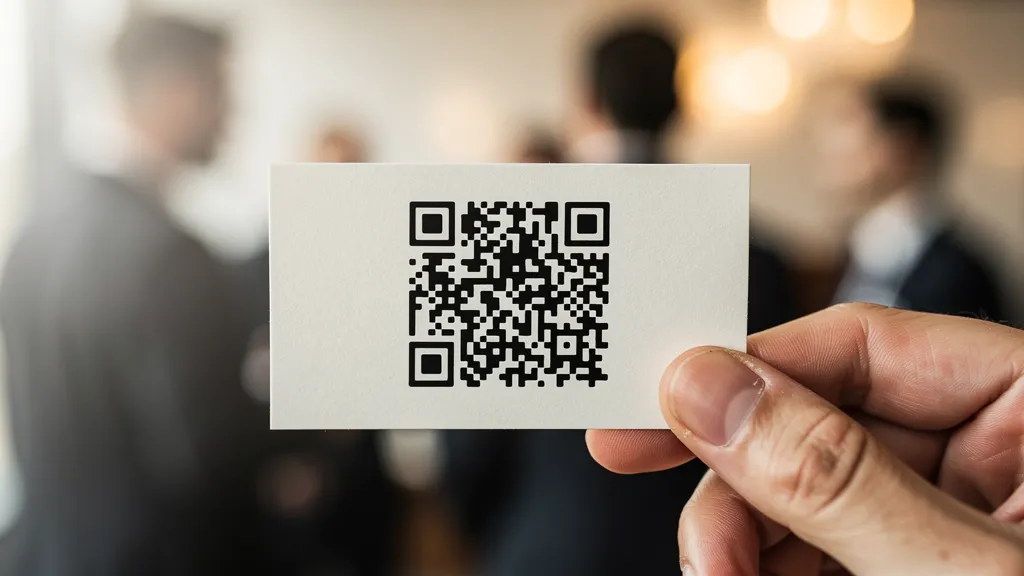
A business card QR code should be at least 0.8 inches (2 cm) square, link to a vCard for instant contact saving, and have high contrast against the card background. Place it on the back of the card to preserve front-side design space, or in the lower right corner if using the front.
What Should Your QR Code Link To?
Best option: vCard QR Code
A vCard QR code saves your contact information directly to the scanner's phone. Include name, phone, email, company, title, and website. No typing required: one scan and they have your details.
Alternative options:
- LinkedIn profile (for networking-focused cards)
- Personal website or portfolio
- Linktree or similar link aggregator
- Digital business card page with social links
Sizing and Placement
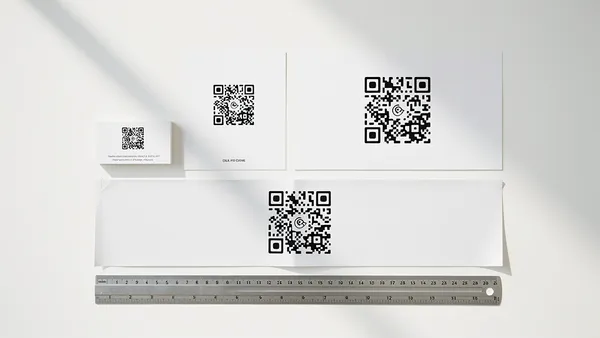
Minimum size: 0.8 inches (2 cm) square Recommended: 1 inch (2.5 cm) square for reliable scanning
Placement options:
- Back of card (most common): Dedicated space without cluttering the front design
- Front lower corner: Visible immediately but uses prime real estate
- Vertical card sidebar: Modern look with integrated QR
Design Best Practices
Maintain contrast: Dark QR on light background, or vice versa. The QR must stand out clearly from the card stock.
Quiet zone: Leave white space around the QR code (at least 4 modules). Don't let design elements touch the code edges.
Keep it simple: Avoid over-customizing. Business cards are small, and complex designs may affect scannability.
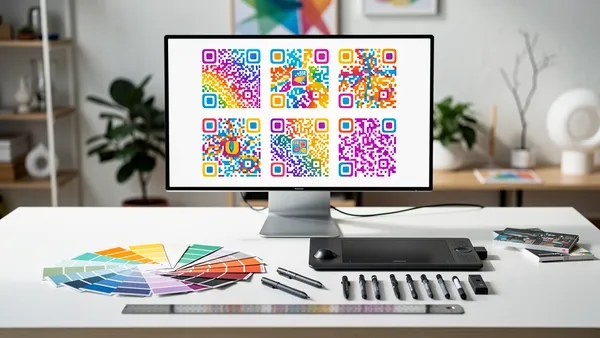
Match your brand: Use brand colors if they provide sufficient contrast. Add your logo only if the QR size allows it.
vCard Setup Guide
Include these fields in your vCard QR code:
- Full name
- Job title
- Company name
- Phone number (with country code)
- Email address
- Website URL
- LinkedIn URL (optional)
- Physical address (optional)
Common Mistakes to Avoid
QR too small: Business cards are viewed up close, but the QR still needs to be readable. Under 0.8 inches often fails.
Low contrast: White card with light gray QR, or dark card with dark blue QR: both fail. Always test with your actual card stock.
Wrong link type: Linking to a generic website homepage instead of a vCard wastes the opportunity for instant contact saving.
No quiet zone: Design elements touching the QR code interfere with scanning.
Print Recommendations
- Use matte finish (gloss can cause scanning issues with glare)
- Choose quality card stock (thin paper can warp)
- Print test versions before ordering bulk
- Always test scanning before final approval
Create your vCard QR code free with Quality QR, sized right for business cards.